
How to Fix Your Crestron System: A Troubleshooting Guide
Safe, non-destructive steps to troubleshoot an unresponsive Crestron system — blank panels, offline processors, network issues — and when to call a professional.

When a Crestron system stops responding, it is usually something simple — a power blip, a network hiccup, or a panel that needs a restart. This guide walks through the safe, non-destructive checks any homeowner can do, and clearly marks where you should stop and call a professional.
Why is my Crestron system not responding?
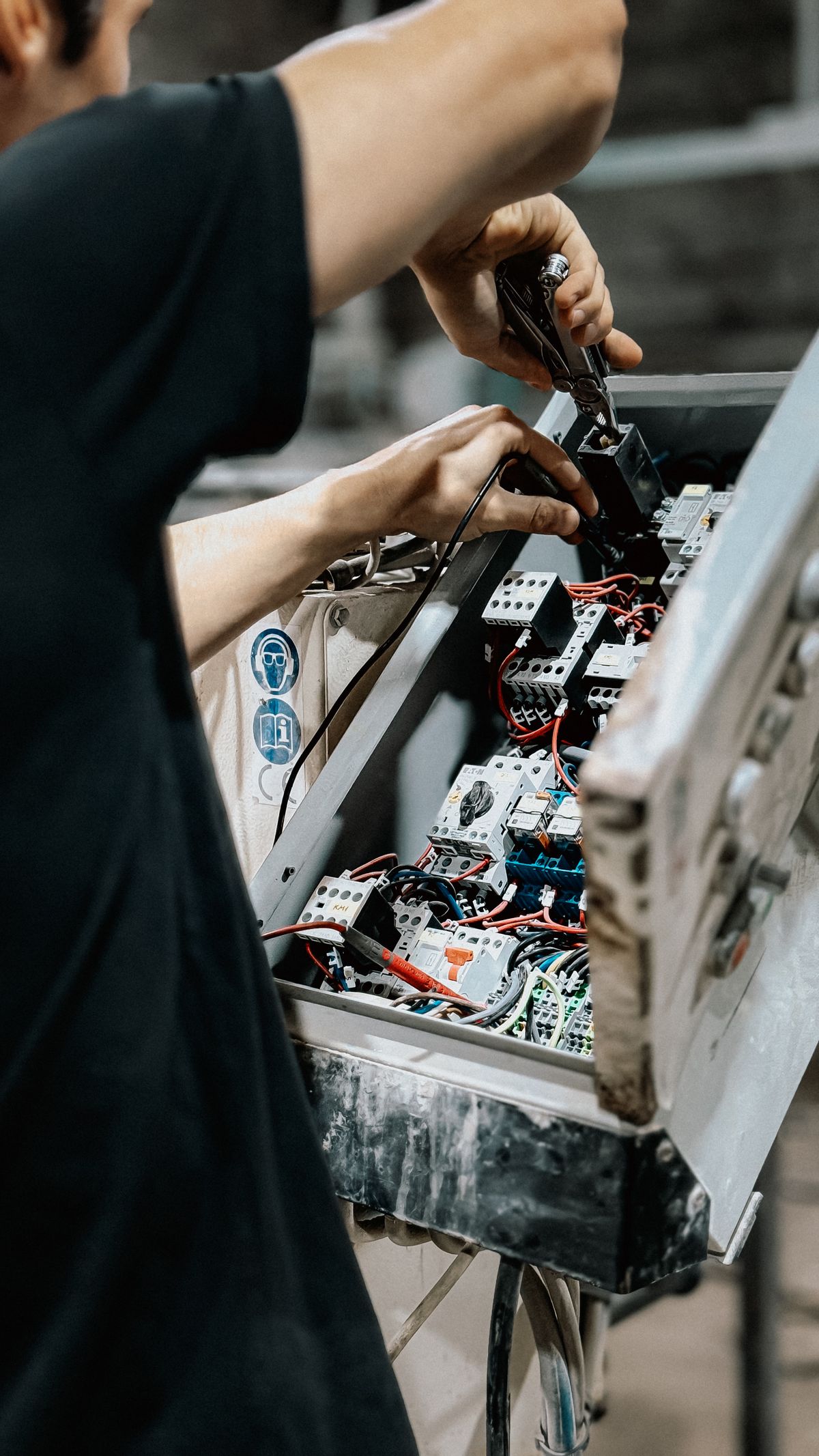
Three causes account for most "nothing works" situations: the control processor needs a reboot, a touch panel has lost its connection to the processor, or the network is down. Working through power → panel → network resolves the large majority of cases.
Touch panel is blank or frozen
A blank or frozen panel is most often a power or connection issue local to that panel. Confirm the panel has power (many panels are powered over Ethernet via a PoE switch), then power-cycle just the panel. A frozen-but-lit panel usually clears with a restart.
System offline after a power outage
After an outage, equipment can come back in the wrong order — for example, the processor boots before the network is ready. Make sure your modem and router are fully online first, then power-cycle the Crestron processor so it can re-establish connections cleanly.
No control over devices (lights, AV, shades)
If the interface works but devices do not respond, the controlled equipment (an AV receiver, lighting processor, or shade hub) may have lost power or dropped off the network. Confirm those devices are powered and connected, then reboot the processor so it re-syncs with them.
Network and IP connectivity issues
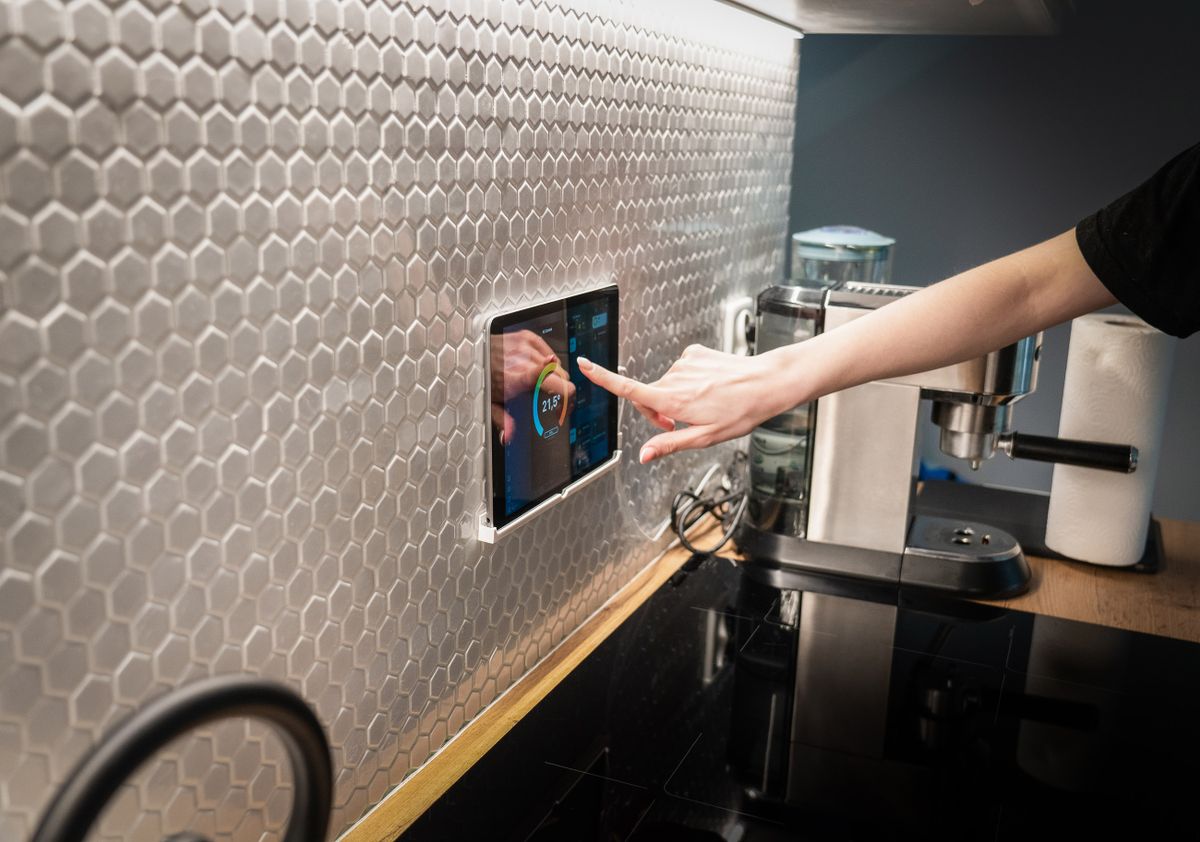
Crestron systems rely heavily on the local network. If the router was replaced or its settings changed, panels may no longer find the processor. Restoring the original network configuration usually restores control. Network changes that affect addressing are a good moment to involve your integrator.
Updating or restoring firmware (caution)
Safe basic steps you can do yourself
Safe Crestron troubleshooting steps
- 1
Confirm power
Check that the control processor, the touch panel, and the affected devices all have power. Look for indicator lights and confirm nothing has been switched off at the rack or outlet.
- 2
Check the network and router
Make sure your modem and router are fully online. If they were recently rebooted or replaced, give them a few minutes to come up before testing the system.
- 3
Power-cycle the touch panel
Power the panel off (or remove its power/PoE source), wait about 30 seconds, and power it back on. Let it fully boot before testing control.
- 4
Reboot the control processor
Cleanly power the processor off, wait about 30 seconds, then power it back on. Allow a few minutes for the program to load completely.
- 5
Test control again
Once everything is back online, try controlling lights, AV, and shades. If control is restored, you are done. If not, stop here.
- 6
Call a professional
If the safe steps above do not restore control, contact your integrator or Ideal Automation support. Do not attempt programming, wiring, or firmware changes yourself.
When to call your integrator or programmer
Call a professional any time the issue involves programming, wiring, firmware, or equipment inside a rack — or whenever the safe steps above do not bring the system back. There is no risk in asking for help early; there is real risk in changing something you cannot easily undo.
Stuck? Real engineers, on call.
Ideal Automation offers full-service call support — real engineers who can help diagnose and get your system back to reference-grade.
Talk to supportFrequently asked questions
Why is my Crestron system not responding?
The most common causes are a power interruption, a touch panel that has lost its network connection to the control processor, or the processor itself needing a reboot. Start by confirming power to the processor and the panel, then check that your network and router are online before anything else.
How do I reboot a Crestron processor safely?
The safest method is a clean power cycle: turn the processor off (or unplug it), wait about 30 seconds, then power it back on and allow a few minutes for the program to fully load. Avoid hardware reset buttons and never re-load firmware unless your integrator instructs you — those steps can erase programming.
My Crestron touch panel is blank — what should I do?
Confirm the panel has power (check the cable and any PoE switch), then power-cycle just the panel. If the panel powers on but cannot reach the processor, the issue is usually network-related. If it stays blank after a power cycle, contact your integrator.
When should I call a professional instead of troubleshooting?
Call your integrator or a professional whenever a problem involves programming, wiring, firmware, or anything inside an equipment rack — or any time the safe basic steps below do not restore control. These systems are complex, and incorrect changes can take the whole system offline.
Written and reviewed by the team at Ideal Automation — Arizona integrators of custom AV, lighting, and home automation, and specialists in modern Crestron CH5 graphics.