
Crestron CH5 vs Crestron Home: What’s the Difference?
Crestron CH5 (Crestron HTML5) is a framework for fully custom touch-panel UIs; Crestron Home is a turnkey residential platform. Here’s when to use each.

People often ask whether they should use "CH5 or Crestron Home," but the two are not really competitors — they solve different problems. One is a development framework; the other is a turnkey platform. Understanding the distinction makes the choice straightforward.
What is Crestron CH5 (Crestron HTML5)?
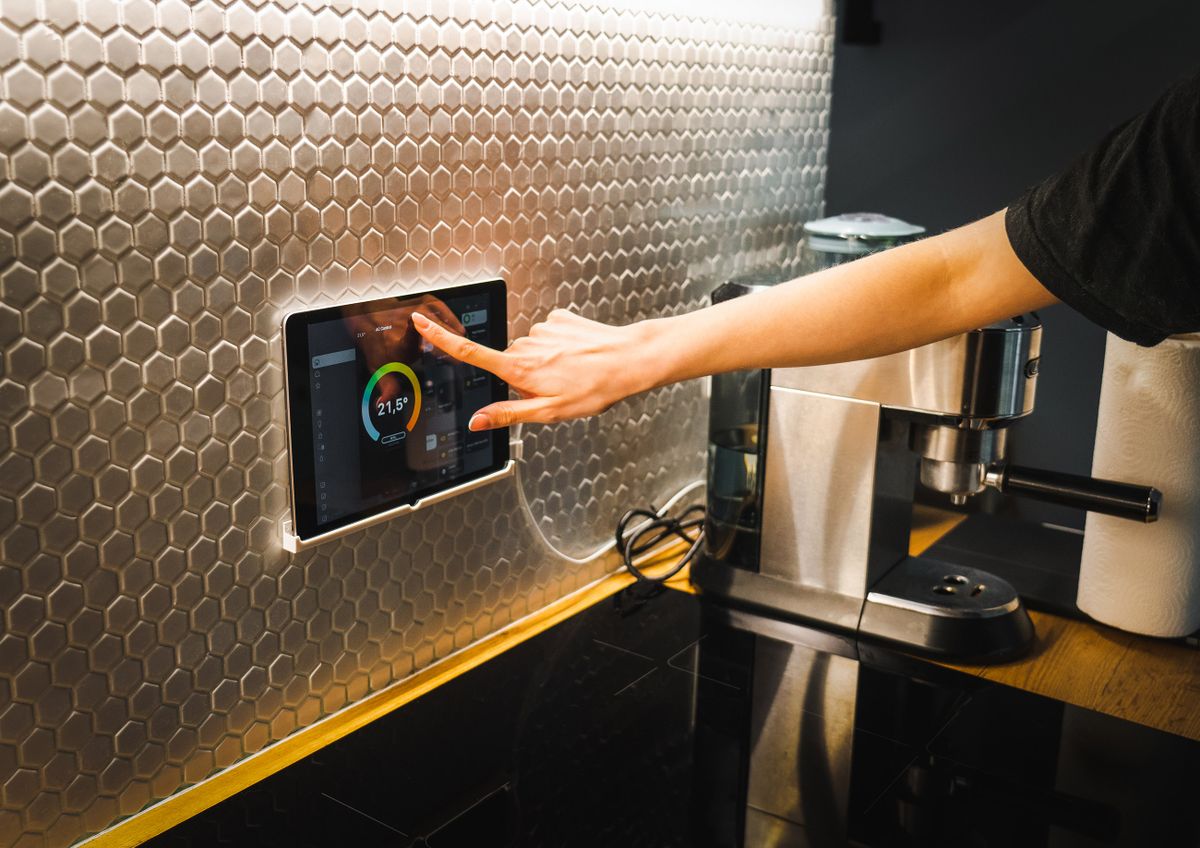
Crestron CH5 (Crestron HTML5) is a framework and toolkit for building fully custom HTML5 user interfaces for Crestron touch screens. It is aimed at programmers and integrators who want maximum control over the UI — custom layouts, branding, animations, and the ability to connect APIs and databases so the panel can show live, dynamic content.
What is Crestron Home?
Crestron Home is a more turnkey residential automation platform/OS designed for faster, more standardized dealer setup. It gives a consistent, polished experience with far less custom programming, which makes residential installs quicker and more repeatable.
Key differences
The core trade-off is custom power vs. streamlined setup. CH5 maximizes flexibility at the cost of development time; Crestron Home maximizes speed and consistency at the cost of deep customization. Neither is "better" — they target different needs.
When to use CH5 vs Crestron Home
- Choose Crestron Home when you want a fast, standardized residential install with a clean, consistent interface out of the box.
- Choose Crestron CH5 when the project needs a fully custom interface — unique branding, bespoke layouts, or live data from APIs and databases.
- Get the best of both by working with an integrator that builds custom CH5 in-house — see Ideal Automation’s Crestron CH5 work for modern, fully-custom interfaces.
Comparison table
| Crestron CH5 (HTML5) | Crestron Home | |
|---|---|---|
| Purpose | Custom UI development framework | Turnkey residential platform |
| Who it’s for | Programmers / integrators | Dealers wanting fast setup |
| Customization | Maximum (fully bespoke) | Standardized, themeable |
| Setup speed | Slower (build time) — faster with AI | Fast, repeatable |
| UI flexibility | Unlimited (HTML5 + APIs/data) | Consistent, curated |
| Best use case | Bespoke, data-driven interfaces | Streamlined residential automation |
Want custom CH5 without the build time?
Ideal Automation engineers fully-custom Crestron CH5 interfaces — connected to live data through modern APIs.
See our Crestron CH5 workFrequently asked questions
What is Crestron CH5?
Crestron CH5 (Crestron HTML5) is Crestron’s framework for building fully custom HTML5 user interfaces that run on Crestron touch screens. It gives programmers and integrators maximum control over the look and behavior of a touch panel, including connecting APIs and databases for live, dynamic content.
What is Crestron Home?
Crestron Home is a turnkey residential automation platform and operating system designed for faster, more standardized dealer setup. It provides a consistent, polished experience out of the box with less custom programming than a fully bespoke CH5 build.
Should I use CH5 or Crestron Home?
Use Crestron Home when you want a fast, standardized residential install with a consistent interface. Use Crestron CH5 when the project calls for a fully custom interface — unique branding, bespoke layouts, or live data from APIs and databases on the touch panel.
Can AI speed up CH5 development?
Yes. CH5’s flexibility traditionally meant more development time, which is why most dealers avoid it. Integrators like Ideal Automation build custom CH5 interfaces in-house, so you get modern, fully-custom graphics with live API integration instead of the dated default look.
Written and reviewed by the team at Ideal Automation — Arizona integrators of custom AV, lighting, and home automation, and specialists in modern Crestron CH5 graphics.